Products

Sixbytes Apps

Privacy-first mobile apps for protecting private photos, securing notes, organizing daily tasks, managing files, and syncing data across devices.

Privacy

Private spaces for photos and notes

Learn about privacy

Privacy · Private photo & video vault

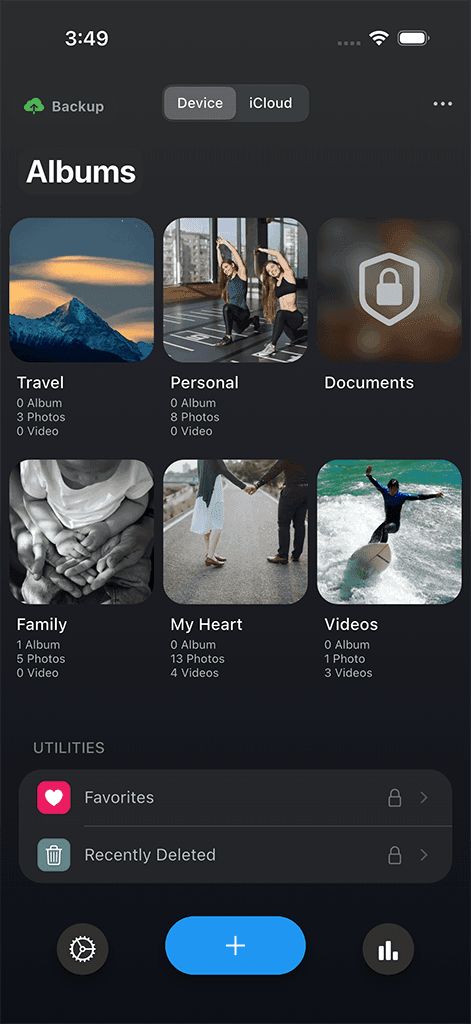
Safety Photo+Video

A private photo and video vault from Sixbytes with secure access, private albums, sync, and backup options.

  • Face ID and passcode protection
  • Private albums
  • Photo and video vault
  • iCloud Sync
  • Cloud Backup
Safety Photo+Video app screen

Privacy · Private secure notes

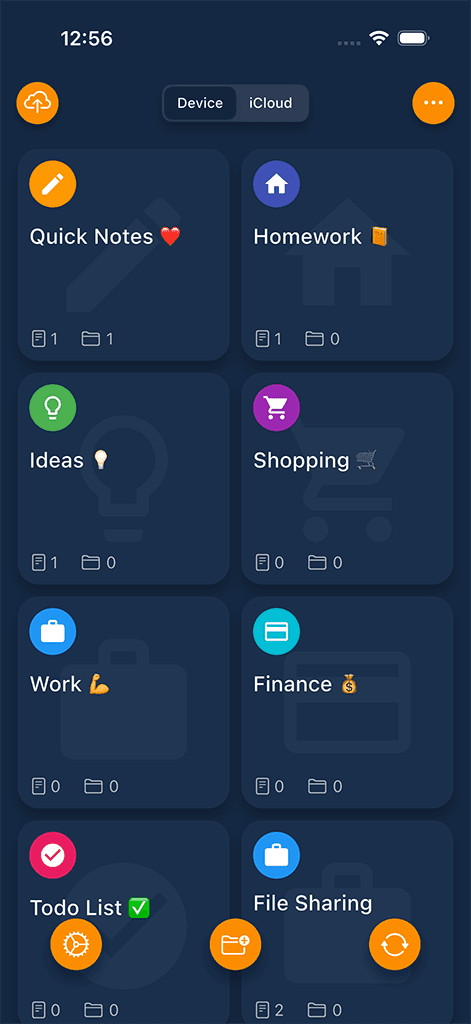
Safety Note+

Secure private notes app with passcode protection, Face ID, iCloud Sync, and Cloud Backup.

  • Passcode protection
  • Face ID support
  • Private notes and folders
  • iCloud Sync
  • Cloud Backup
Safety Note+ app screen

Productivity

Daily planning and focus

Learn about productivity

Productivity · Tasks, planner & calendar

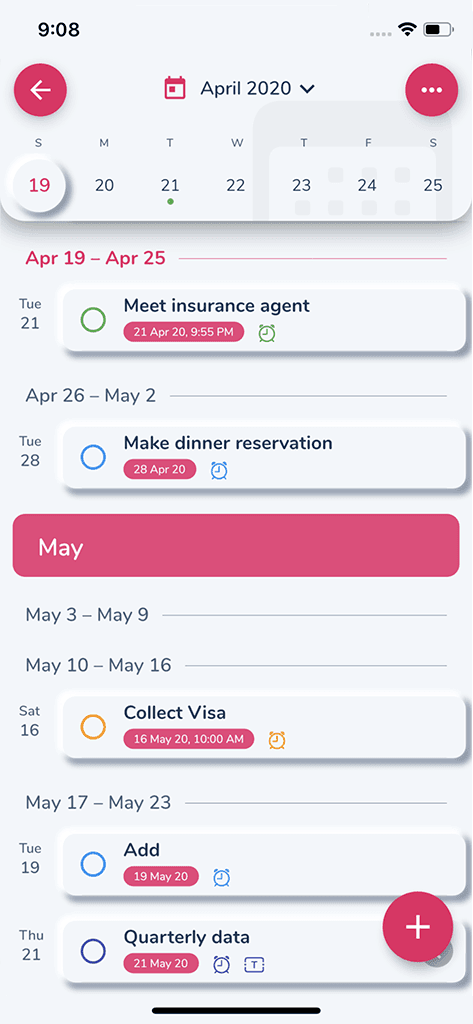
HibiDo

Task manager and daily planner for organizing tasks, calendars, notes, and habits.

  • Tasks and reminders
  • Calendar planning
  • Notes and habits
  • Projects and subtasks
  • Cross-device sync
HibiDo app screen

File Management

File transfer, organization, and sync

Learn about file management

File Management · Wireless file manager

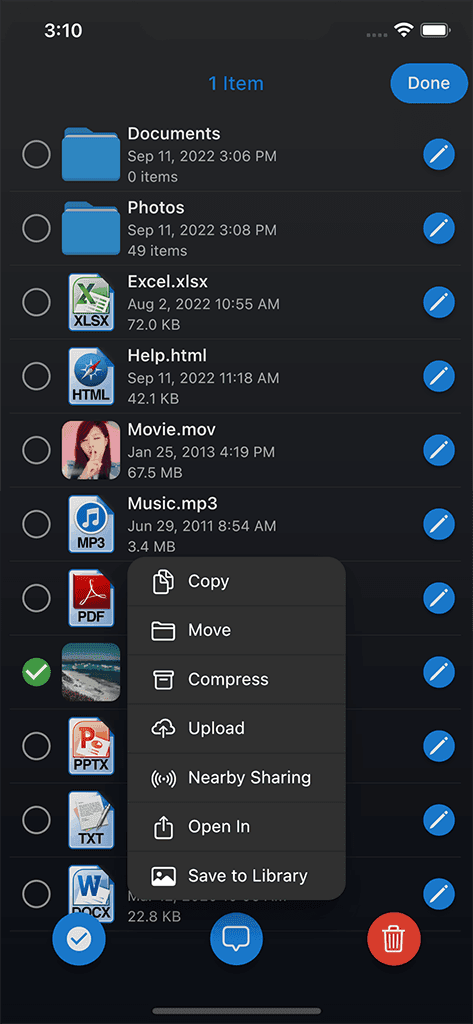
Phone Drive

Wireless file manager for storing, viewing, and transferring files across devices.

  • Wireless file transfers
  • Store and view files
  • Built-in media previews
  • Document organization
  • Local file access
Phone Drive app screen

File Management · File synchronization

File Sync

File synchronization utility for keeping important files organized and up to date.

  • File synchronization
  • Selective folders
  • Conflict-aware updates
  • Local-first workflows
  • Cross-platform support
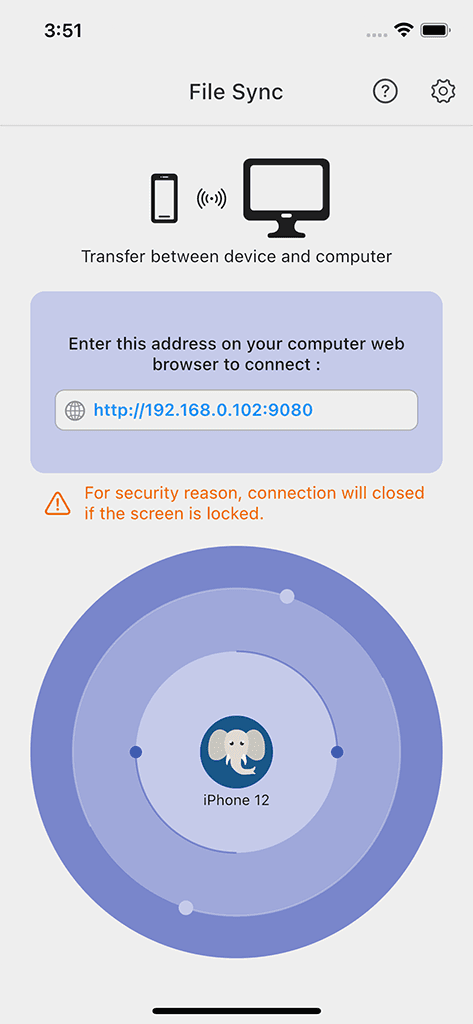
File Sync app screen

Compare

Choose by workflow, not guesswork

A quick comparison of the five Sixbytes apps and what each one is designed to do.

AppCategoryMain use caseFace ID / PasscodeCloud Sync / BackupFile ManagementProductivity
Safety Photo+VideoPrivacyPrivate photo and video vaultSupported where availableiCloud Sync and Cloud BackupMedia organizationNot primary
Safety Note+PrivacyPrivate notes and sensitive listsSupported where availableiCloud Sync and Cloud BackupNot primaryNotes and checklists
HibiDoProductivityTasks, calendar, notes, and habitsNot primaryCross-device syncNot primaryCore focus
Phone DriveFile ManagementWireless file transfer and storageNot primaryNot primaryCore focusSupports file workflows
File SyncFile ManagementFile synchronizationNot primarySync workflowsCore focusSupports file workflows

Frequently asked

Questions about Sixbytes apps

Start with the app that matches your most urgent workflow: Safety Photo+Video for private media, Safety Note+ for locked notes, HibiDo for planning, Phone Drive for file transfer, or File Sync for synchronization.

Yes. Sixbytes apps are designed with privacy-first product thinking, local-first workflows where appropriate, and clear controls for sync or backup features.

The Sixbytes lineup is built for mobile workflows across iPhone, iPad, and Android, with Mac and Windows workflows relevant to file tools.

Products can store download links centrally. Safety Photo+Video directs users to its official website for downloads and deeper product information.

Get started today

Find the right Sixbytes app for your digital life.

Compare the lineup, then choose the privacy, productivity, or file tool that fits your workflow.