Privacy-first by design

Privacy-first apps for your digital life.

Sixbytes builds beautifully designed mobile apps that help people protect private photos, secure notes, organize daily tasks, manage files, and sync data across devices.

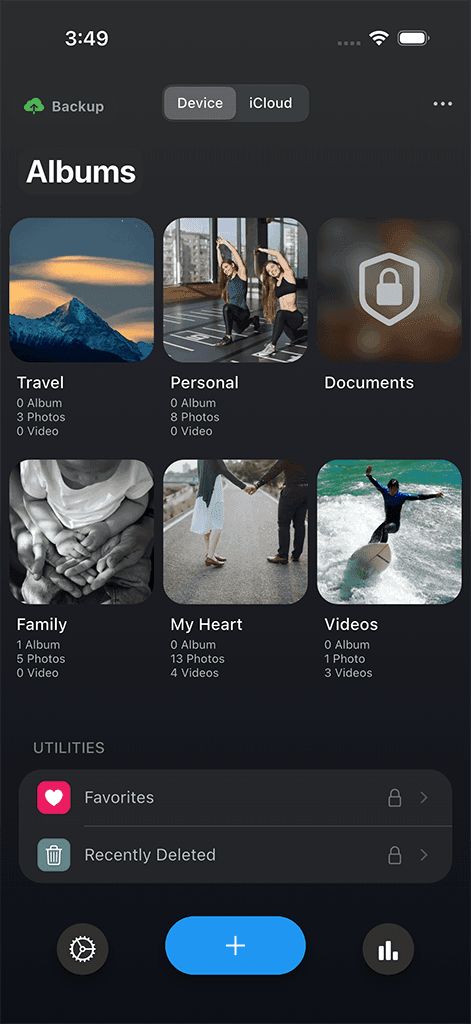
Safety Photo+Video private vault app screen
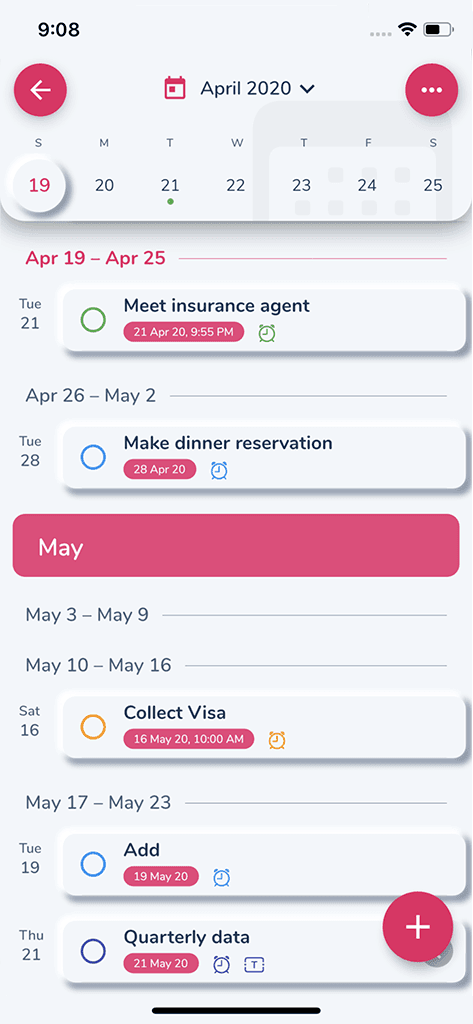
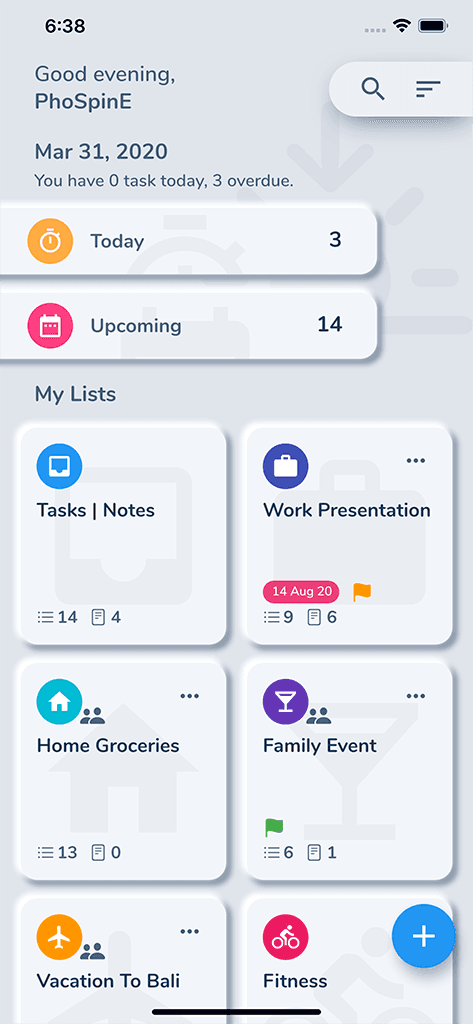
HibiDo task and calendar app screen

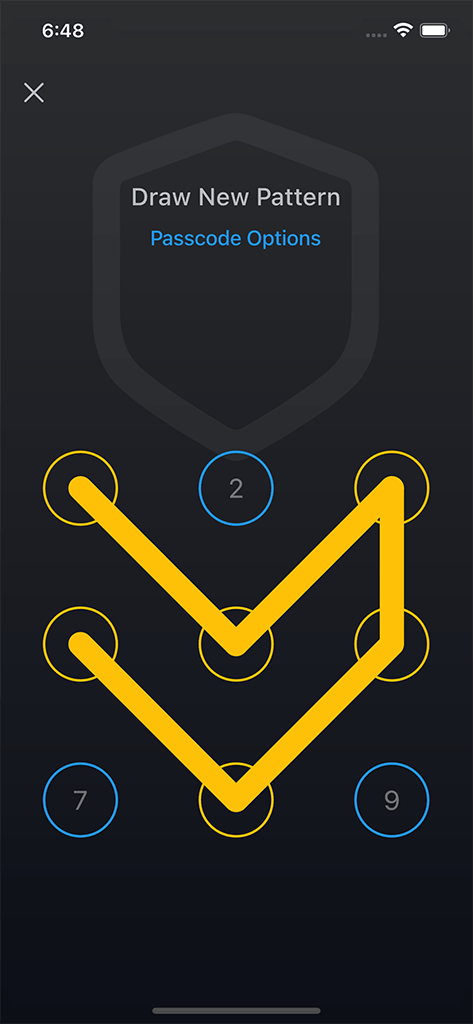
Face ID unlocked

Vault secured

Cloud Sync ready

Across your devices

Works everywhere you do

Built for the devices and privacy features you already use

  • iPhone
  • iPad
  • Android
  • Mac
  • Windows
  • Face ID
  • Cloud Sync
  • Local-first

Featured products

Five focused apps, one shared philosophy

Protect photos and notes, plan your day, move files, and keep data in sync with tools designed to feel calm and capable.

View all products

Privacy · Private photo & video vault

Safety Photo+Video

Private photo and video vault with Face ID, passcode protection, private albums, iCloud Sync, and Cloud Backup.

  • Face ID and passcode protection
  • Private albums for photos and videos
  • iCloud Sync
  • Cloud Backup
Safety Photo+Video app screen

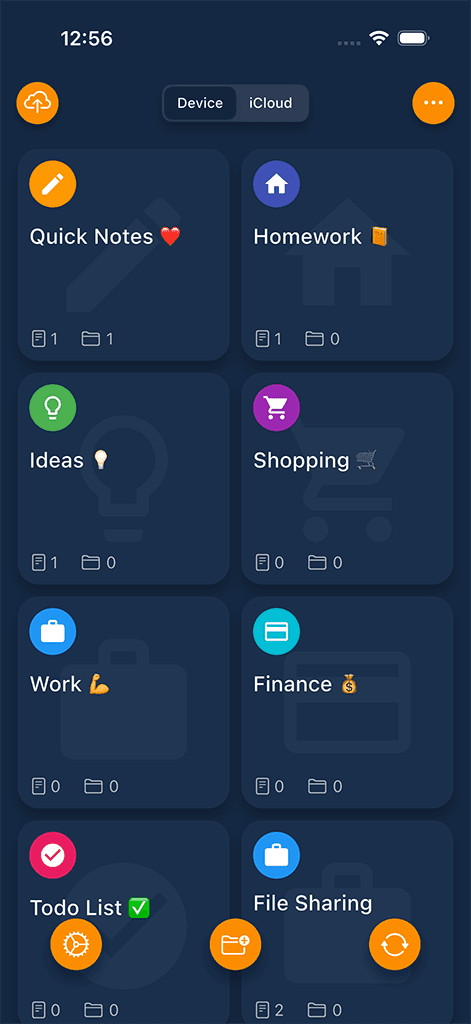
Privacy · Private secure notes

Safety Note+

Secure private notes app with passcode protection, Face ID, iCloud Sync, and Cloud Backup.

  • Passcode and Face ID protection
  • Private notes and folders
  • iCloud Sync
  • Cloud Backup
Safety Note+ app screen

Productivity · Tasks, planner & calendar

HibiDo

Task manager and daily planner for organizing tasks, calendars, notes, and habits.

  • Tasks, calendars, and notes
  • Habits and reminders
  • Daily planning
  • Cross-device sync
HibiDo app screen

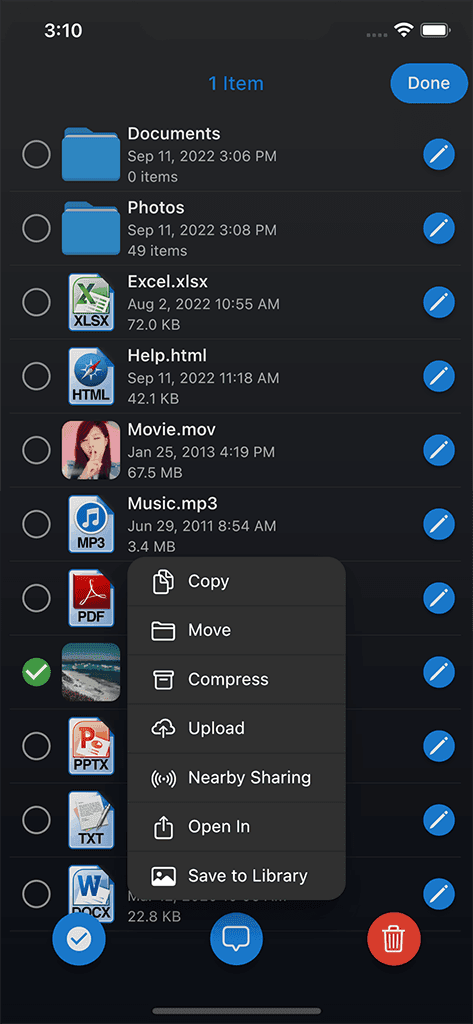
File Management · Wireless file manager

Phone Drive

Wireless file manager for storing, viewing, and transferring files across devices.

  • Wireless file transfers
  • Store and view documents
  • Built-in media previews
  • No cables required
Phone Drive app screen

File Management · File synchronization

File Sync

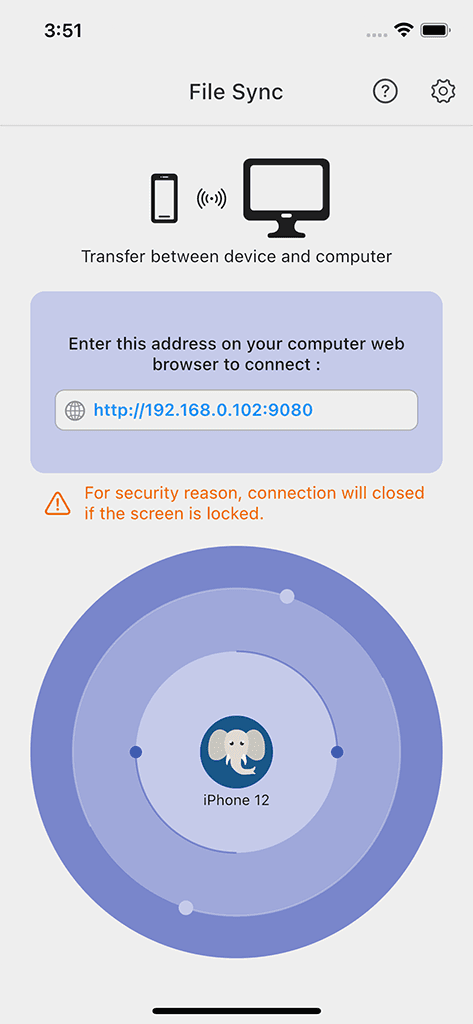
File synchronization utility for keeping important files organized and up to date.

  • Automatic file sync
  • Selective folders
  • Conflict-aware updates
  • Cross-platform workflows
File Sync app screen

Under the hood

Built around privacy, reliability, and beautiful mobile workflows

Sixbytes apps are designed around practical protection, optional sync and backup workflows, biometric access, and long-term product maintenance.

Local-first design

Core experiences are built around data that starts on your device.

Privacy-focused architecture

Sensitive photos, notes, and files live in dedicated product workflows.

Face ID and Touch ID

Fast biometric access keeps private tools practical day to day.

Cloud Sync

Sync supported app data across devices when the workflow calls for it.

Cloud Backup

Backup options help protect important app data from device loss.

Cross-platform mobile development

Designed for polished experiences on iPhone, iPad, and Android.

Reliable updates

Long-term maintenance keeps the apps current, practical, and dependable.

Beautiful mobile experiences

Refined details make privacy and organization feel calm, not heavy.

Guides & resources

Learn to master your digital life

Practical guides for private media, locked notes, local storage, file organization, and daily planning.

View all guides

Why Sixbytes

Practical apps from a privacy-first mobile studio

Sixbytes builds focused tools for everyday digital life: private memories, secure notes, daily planning, file transfer, and sync.

Independent mobile app studio

Sixbytes focuses on a small, practical family of apps instead of chasing every software category.

Privacy-first product philosophy

The products are shaped around private spaces, local-first thinking, and clear user control.

Long-term app maintenance

The apps are designed to be useful for years, with steady improvements and platform updates.

Practical apps for everyday users

Sixbytes builds for real daily needs: protecting memories, locking notes, planning tasks, and moving files.

Designed for iPhone, iPad, and Android

Mobile-first experiences stay clear, responsive, and polished across the devices people already use.

Frequently asked

Questions, answered

Yes. Sixbytes apps are designed around local-first privacy, so your personal data stays on your device by default and sync is only used when you choose it.

Sixbytes apps support iPhone, iPad, and Android, with Mac and Windows workflows available for file management and synchronization products.

Most core workflows work without an account. You only sign in when a product feature, such as cross-device synchronization, requires it.

Each app is free to download with optional premium features, so you can try the core experience before upgrading.

Get started today

Find the right Sixbytes app for your digital life.

Explore privacy-first apps for photos, notes, tasks, files, and sync, or read practical guides before choosing.