
File Management
How to Organize Receipts and Warranty Documents Digitally
Build a searchable receipt and warranty system with consistent filenames, product folders, renewal reminders, and a tested backup.
Use one folder per product for purchases that may need a claim, return, repair, insurance record, or resale proof. Save the receipt, invoice, warranty terms, serial number, and repair history together; name each file with the purchase date, product, retailer, and document type. Add the warranty end date to a calendar with an earlier review reminder. Store ordinary receipts separately by year, restrict access to records containing addresses or payment details, and back up the folder to a second location. The system works when you can find the right proof of purchase in under a minute.
Decide what is worth keeping
Keep records that support an action or obligation:
- Return or exchange
- Manufacturer or retailer warranty
- Insurance claim
- Tax deduction or reimbursement
- Repair history
- Ownership or resale
- Subscription or service cancellation
Discard routine receipts after the applicable return period when they have no tax, warranty, insurance, or accounting value. Retention rules differ by country and situation, so confirm local requirements for business, tax, medical, or legal records.
Use a two-level folder structure
A practical structure separates active products from short-lived receipts:
Purchases/
  Active products/
    2026 - Example Laptop/
      2026-02-14 - Example Laptop - Retailer - Receipt.pdf
      2026-02-14 - Example Laptop - Warranty.pdf
      Example Laptop - Serial Number.txt
      2026-06-03 - Example Laptop - Repair.pdf
  Routine receipts/
    2026/
      2026-07/
  Retired products/
Use the actual product name in place of “Example Laptop.” Keep the structure shallow enough that it works on a phone screen.
Name files for search, not memory
Use a consistent pattern:
YYYY-MM-DD - Product - Retailer - Document type.ext
Examples:
2026-04-09 - Coffee Machine - Example Store - Receipt.pdf2026-04-09 - Coffee Machine - Manufacturer Warranty.pdf2026-11-02 - Coffee Machine - Service Centre - Repair Invoice.pdf
The date sorts chronologically. Product and retailer names make search useful. Document type distinguishes a receipt from a warranty or repair.
Avoid filenames such as scan001.pdf, receipt-final.pdf, or a camera-generated number.
Capture a complete record
For an important purchase, save:
| Record | Why it matters | Where to get it |
|---|---|---|
| Itemized receipt or tax invoice | Proves date, product, retailer, and price | Email, retailer account, or scan |
| Warranty terms | Defines coverage and exclusions | Manufacturer or retailer |
| Model and serial number | Identifies the exact unit | Device label, settings, or packaging |
| Payment proof | Supports a disputed transaction | Bank or card statement |
| Repair and support history | Shows prior service and case numbers | Service emails and invoices |
| Photos of condition | Helps with insurance or damage claims | Camera, with sensitive context removed |
Check that every scan is readable at normal zoom. Include the full page, not just the price.
Add reminders that lead to action
Create two dates:
- A review reminder 30–60 days before warranty expiry
- The actual warranty end date
The earlier reminder gives time to test known problems, gather repair evidence, and submit a claim. Include a link or short folder path in the reminder rather than attaching sensitive records to a broadly shared calendar.
Protect sensitive purchase records
Receipts can reveal names, addresses, partial payment details, loyalty numbers, and buying habits.
- Limit shared-folder access.
- Remove unnecessary card or account details from copies used for routine reference.
- Do not email a complete archive when only one receipt is needed.
- Use a device passcode and an appropriate locked or encrypted destination.
- Review access after household, employment, or account changes.
Privacy controls prevent access. Backup protects against loss. They solve different problems.
Back up and test the archive
Keep the working folder in one known location and a recovery copy somewhere independent. A synchronized folder is convenient, but synchronized deletion or corruption can affect every device. Use version history, a dated export, or another backup method where the records matter.
Test recovery twice a year:
- Restore one older PDF to a temporary location.
- Open it and confirm every page is readable.
- Check that filenames and folders survive.
- Confirm that the backup account and recovery details are current.
Using Phone Drive for purchase records
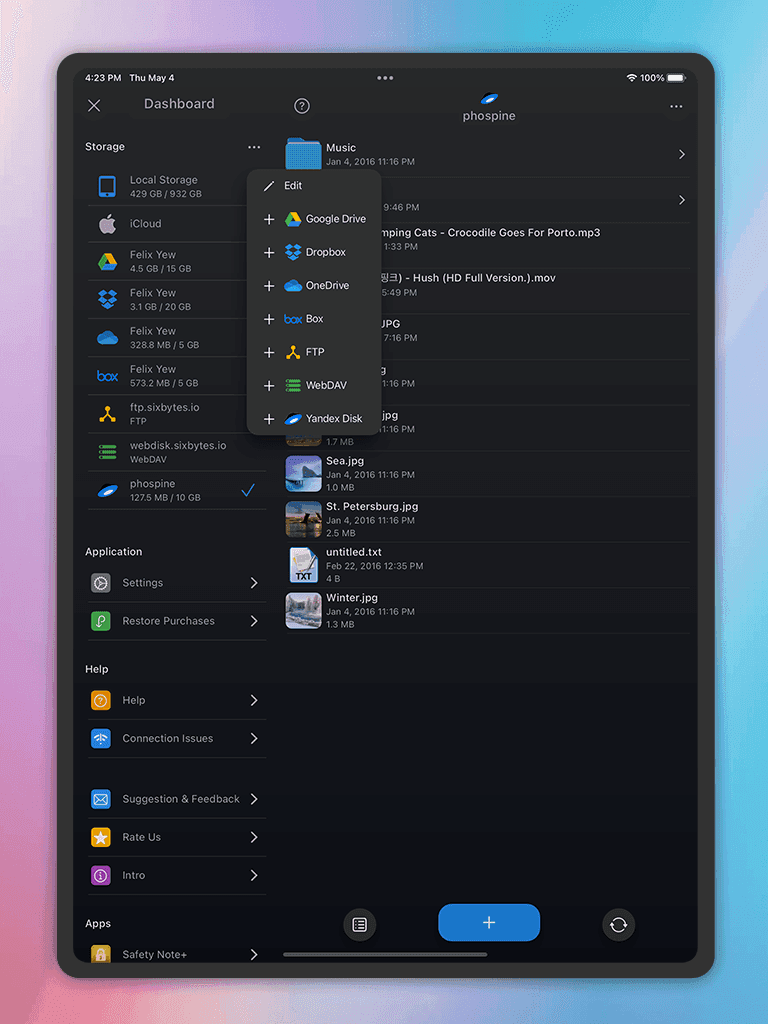
Phone Drive is relevant when you want to store, preview, organize, and move documents between a phone and computer over local Wi-Fi. Its current listings describe file management, browser transfer, document preview, and cloud-service connections. It is a file workspace, not a replacement for a separate backup.
Review the archive yearly: move sold or discarded products to Retired products, remove records whose retention period has passed, update contact details, and verify the backup again.
Frequently asked questions
Should each product have its own folder?
Use a product folder when an item has several related files, such as the receipt, serial number, warranty, manual, and repair history. A single receipt can stay in a yearly folder if it has no continuing value.
What should I do with thermal-paper receipts?
Scan important thermal receipts soon because they can fade. Keep the paper when a retailer, insurer, tax authority, or warranty provider requires the original.
How do I know when records can be deleted?
Use a retention rule based on return periods, warranty length, tax or insurance needs, ownership, and local legal requirements. Keep longer when a claim or dispute is open.
About the author
The Sixbytes Team writes from product documentation and current platform guidance. Product-specific guides disclose the Sixbytes relationship and link to official sources when behavior can change by operating system, app version, or storefront.
About Sixbytes